Raydium Swap Inputs, Approval, and Verified Output
Updated on
A Raydium swap turns selected Solana token and amount inputs into a transaction for the wallet to sign. After submission, Solana provides the record used to verify the output. Before approval, compare the token mint addresses, quoted route, expected output, minimum received amount, price impact, and network fee settings. After signing, use the transaction signature to check whether the transaction is unconfirmed, failed, or successful, then reconcile the on-chain token balance changes with the amount shown by the wallet.
From selected amount to transaction candidate
The swap begins as a reversible set of choices rather than a token movement. An input mint, output mint, and amount define the request. Raydium then calculates an available route and an estimated output from the pool state it can use. The proposal remains unsigned at this stage, so changing a token, amount, slippage limit, or route simply creates a different transaction candidate.
Quote inputs
Quote inputs define the intended spend amount and the estimated amount the wallet should receive. Use mint addresses to identify tokens because unrelated tokens can share a name or ticker. The amount also matters: a larger request can consume more of the available liquidity and produce different price impact. Read the displayed estimate as a value tied to this input set and this pool state, not as a reserved balance.
Route construction
Route construction connects the selected input to the intended output through compatible Raydium pools. A route may use one pool or pass an intermediate output through another pool when that path is available. Each added hop introduces another pool state and fee calculation. The final minimum output remains the relevant execution boundary because intermediate transfers are parts of the same proposed exchange, not separate results for the wallet.
Wallet authorization
Wallet authorization signs the exact transaction message that the wallet receives. The connected wallet must control the input token account, satisfy the transaction's signer requirements, and support the transaction format that the route produces. If the preview cannot be built or signed, no swap has been submitted. Reconnect, recheck the selected mints, or request another offered route while the action remains reversible. A signature authorizes submission; it does not establish successful execution.
Which quote details deserve a second look?
The output estimate, minimum received amount, price impact, route, and fee settings deserve a second look before approval. The expected output is the quote under the displayed conditions. Slippage tolerance converts that estimate into a lower execution boundary. If the route cannot produce at least that minimum, the transaction should fail rather than settle below it. Price impact describes how the requested trade interacts with pool liquidity, so it is a different measure from slippage tolerance.
Network settings belong in the same review, although they do not set the exchange rate. A priority fee can improve the chance of timely processing during congestion, but paying more does not improve the pool price. If a Token-2022 mint has a transfer-fee extension, the token program may withhold part of a transfer. In that case, compare the net amount credited to the wallet with the quote and transaction record instead of treating every deduction as price movement.
The last reversible checkpoint
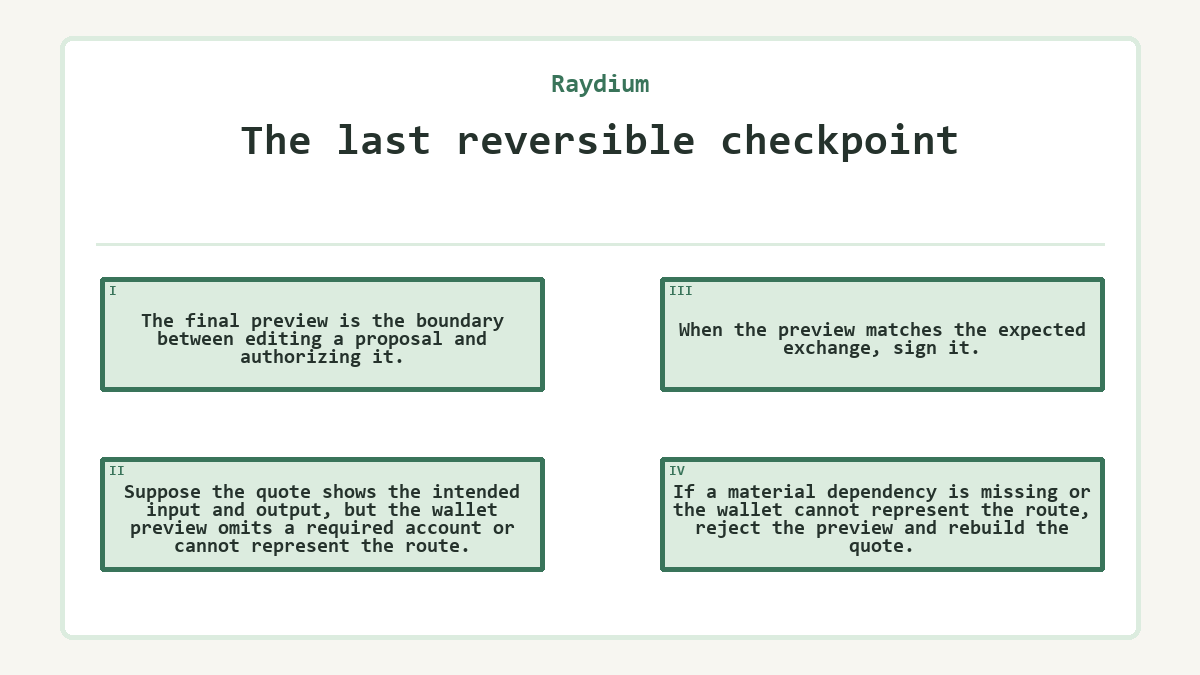
The final preview is the boundary between editing a proposal and authorizing it. Suppose the quote shows the intended input and output, but the wallet preview omits a required account or cannot represent the route. When the preview matches the expected exchange, sign it. If a material dependency is missing or the wallet cannot represent the route, reject the preview and rebuild the quote.
Use this decision checklist while every field can still be changed:
- Match both mint addresses to the intended input and output tokens.
- Compare the spend amount, estimated output, and minimum received amount.
- Confirm that the quoted route still appears and has not been replaced.
- Check that the connected wallet is the intended signer and can display the request.
- Keep enough SOL available for network charges and any required token-account creation.
When every observed field agrees with the proposal, signing advances the swap to submission. If the route is absent, the transaction preview is incompatible, a mint changed, or an amount is unexplained, cancel before signing, correct the dependency, and obtain a fresh quote. Replacing a missing dependency with an unfamiliar token or unreviewed instruction changes the exchange rather than repairing it.
After submission, the transaction signature becomes the lookup key for completion. A successful record should show the intended signer and the corresponding input decrease and output increase. A failed or missing record sends the process back to diagnosis, not automatically to another signature. That boundary avoids both approving a changed proposal and repeating a swap that already completed.
What changes after the wallet signs?
Signing creates an authorized transaction that can be submitted to Solana. The transaction signature can exist before submission; a confirmed network record shows whether the submitted transaction succeeded or failed. The interface may first show processing, then a success or failure state, while the network record supplies the status and balance changes. Until that record exists, a signed message and a completed swap are not the same state.
A Solana transaction executes its instructions atomically: if one instruction fails, Solana does not commit the transaction's state changes. The network fee is separate from those state changes and can still be charged for a failed transaction. This distinction explains why the input and output token balances may remain unchanged even though the SOL balance falls by the recorded fee.
Confirmation also turns the output estimate into an observed amount. Compare the pre- and post-token balances for the exact mints rather than relying on ticker labels or a success banner. If the transaction created an associated token account for the output mint, that setup can appear in the same record and show additional SOL used to fund the new account. It does not represent extra output or a second swap.
Reconciling expected and observed states
Classify a mismatch by the last state you can verify. First determine whether the signature is missing, the on-chain record failed, or the record succeeded but the wallet has not updated. Each case requires a different response, so repeating the approval before identifying the case can create confusion or a duplicate exchange.
Missing transaction signature
A missing signature usually keeps the investigation before on-chain execution. The wallet may have rejected the request, the preview may have failed, or submission may not have returned an identifier. Check the wallet activity and token balances before rebuilding the transaction. If neither a signature nor a balance change exists, obtain a current quote after correcting the connection or compatibility problem rather than assuming that the first request is pending.
Failed on-chain record
A failed record proves that Solana evaluated a submitted transaction but did not commit its swap state changes. Read the recorded error before changing anything. A slippage failure calls for a new quote and a fresh review of its minimum output; an expired transaction also needs a newly built message. Raising slippage lowers the minimum output you are willing to accept, while resending an expired serialized transaction does not refresh its route or validity window.
Successful record, stale display
A successful record moves the investigation to reconciliation. Match the signer, input mint, output mint, and net token balance changes. A wallet may need to refresh or reveal the output token account before its display catches up, but that interface delay does not erase the chain result. If the correct output balance increased, avoid submitting another swap merely to make the interface change. If the mint is wrong, treat the record as a different transaction and trace it separately.
How do you prove that the swap finished?
Completion requires a successful transaction record tied to the expected signer and mint addresses, plus balance changes showing the input token decreased and the output token increased. Reconcile the displayed output with the transaction's pre- and post-token balances, while treating the SOL change separately for network fees and account creation. A wallet banner or refreshed quote is only interface state; the transaction signature and on-chain balance changes are the stronger evidence.
Before you start with Raydium
-
Can a Raydium swap approval ever require a seed phrase?
- No. A swap approval should occur in the connected Solana wallet and should ask for a transaction signature, not the wallet's seed phrase or private key. A web page or app that requests recovery words to authorize a Raydium trade is asking for control of the wallet, not permission for one transaction. Close it and use a wallet whose connection and signing prompt you recognize.
-
Does a higher priority fee improve the amount received?
- No. A priority fee influences transaction scheduling under congestion; it does not change the pool price, route mathematics, price impact, or minimum received amount. It may help a transaction land before its quote becomes stale, but the swap still has to satisfy the encoded execution limits. Review the quoted output again if the transaction must be rebuilt.
-
When can a Raydium swap create an output token account?
- A swap can include creation of an associated token account when the wallet does not yet have the required account for the output mint. That setup uses SOL and appears alongside the swap instructions. It is separate from the exchange rate and pool fee. If the whole transaction fails atomically, the account creation does not remain as a completed state change.
-
How do Token-2022 transfer fees affect the received balance?
- A Token-2022 mint can configure a transfer fee that the token program withholds during a transfer. For a swap involving such a mint, reconcile the net output credited to the wallet rather than treating every difference as pool slippage. The quote and transaction record should be read together because the pool fee, token transfer fee, and network fee describe different deductions.
-
Why does one swap show several program calls in the transaction record?
- One swap may combine compute-budget settings, token-account setup, token transfers, routing, and calls into one or more Raydium pool programs. A multi-hop route adds program interactions because the output of one pool becomes the input to another. Several calls do not by themselves indicate several user swaps. Check the signer and net token balance changes to interpret the transaction as one exchange.
-
Can the original quote be recovered from the transaction signature alone?
- Not completely. The transaction signature leads to the submitted message, its status, instructions, fee, and balance changes, but a user interface quote can contain presentation details that are not stored as a readable snapshot on-chain. If exact pre-signing comparison matters, retain the quote details before approval. Use the chain record to establish what executed, not to recreate every screen field.
-
When should I request a new quote instead of retrying?
- Request a new quote when the previous transaction expired, the route or accounts changed, the slippage limit was exceeded, or the wallet could not build the proposed transaction. First confirm that the earlier signature did not succeed, since repeating a completed swap creates another exchange. A fresh quote should be treated as a new authorization with its own route, output estimate, and execution limits.